To make a specific request type available in the Request Type field when creating a new group request, it must first be enabled.
Follow these steps to activate the required request types:
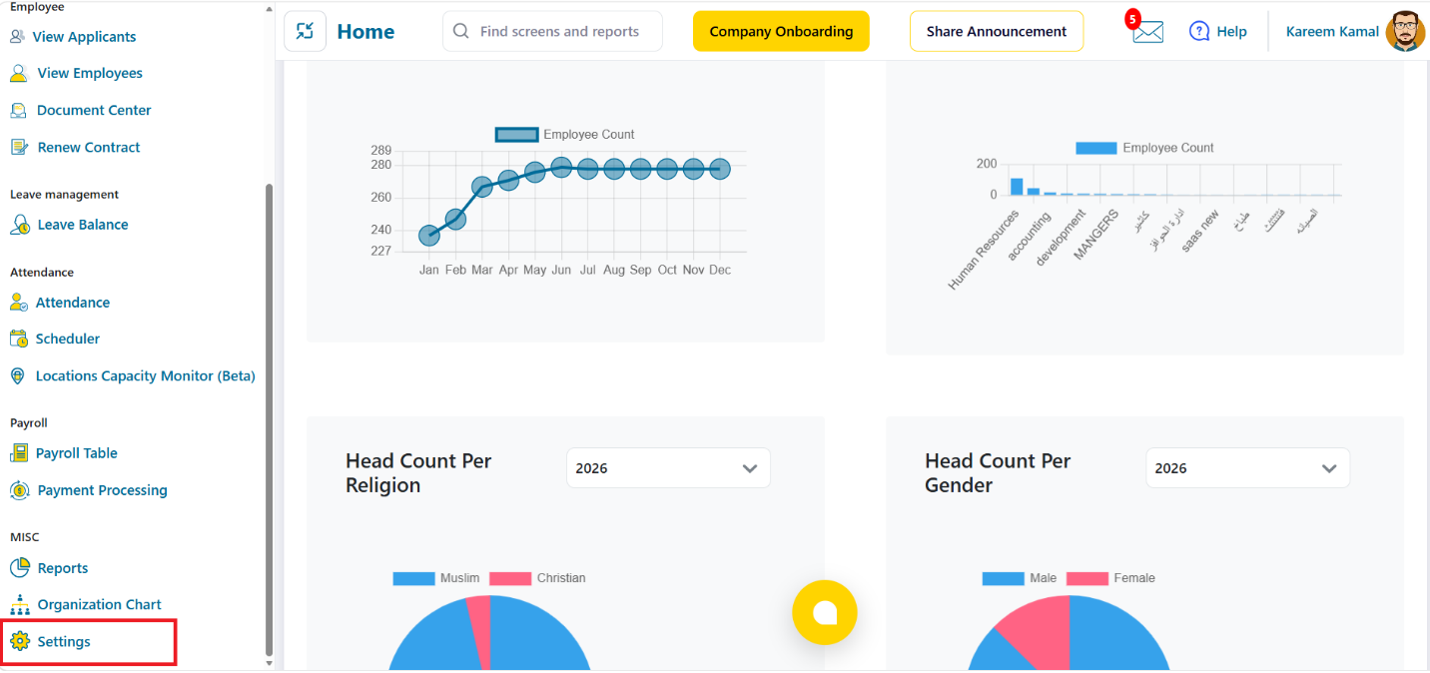
1. From the main menu, select Settings.
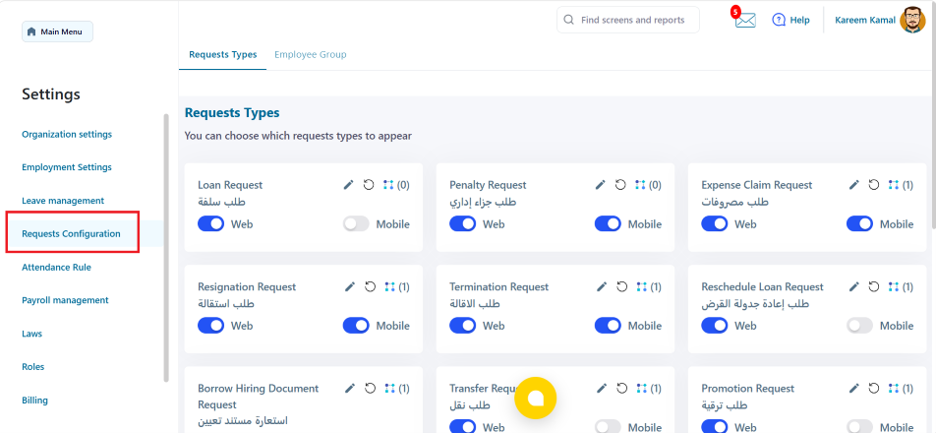
 2. Select the Requests Configuration section.
 3. Select the required request type, then enable the Group Request option by turning on the toggle.
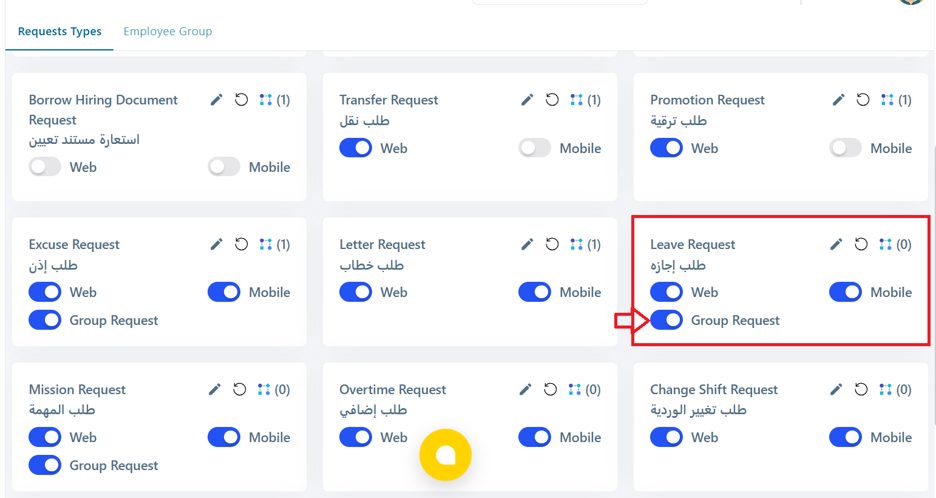 Once enabled, the selected request type will appear in the Request Type field.